AI visuals
How we make AI visuals for your clips.AI shots inside your klips.
Insert an AI-made shot into any clip: an intro, a cutaway, or a shot that matches the line being said. This page shows how it will work. It is in build.Drop an AI-made shot into any klip: intro, cutaway or match. In build.
Where a klip runs
Three klips, each with an AI shot in it.Three klips, each with an AI shot.
We built a klip for three made-up brands: an energy drink, a hoodie drop and a gym. Each one is shown the way it looks on the feed, under the words its shot came from.Made for three made-up brands, shown the way they look on the feed.
You asked fora slow push-in on the can on my desk, as the intro
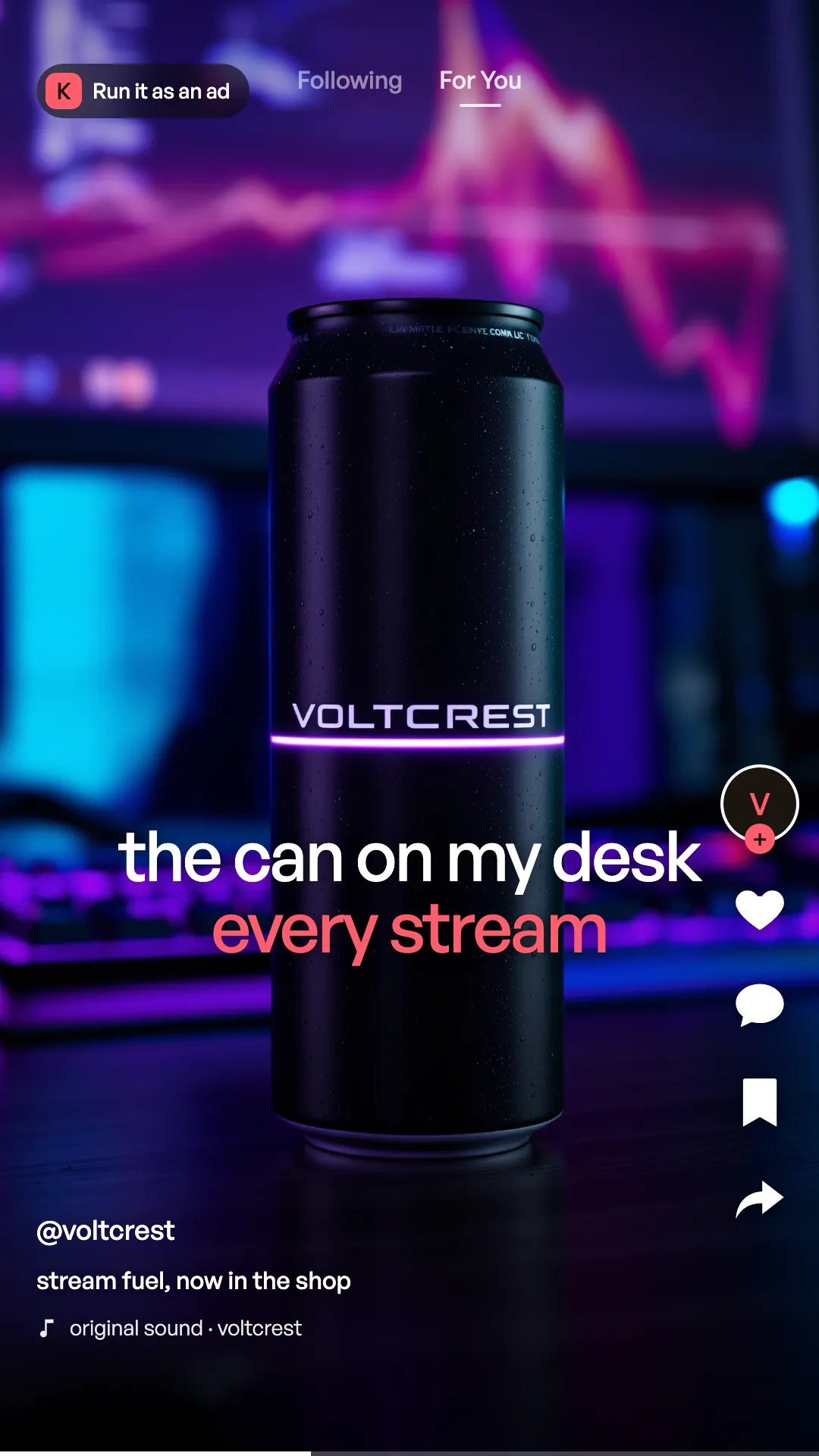
VoltcrestTikTok · 9:16 You asked forthe folded hoodies on the plinth, for the cutaway
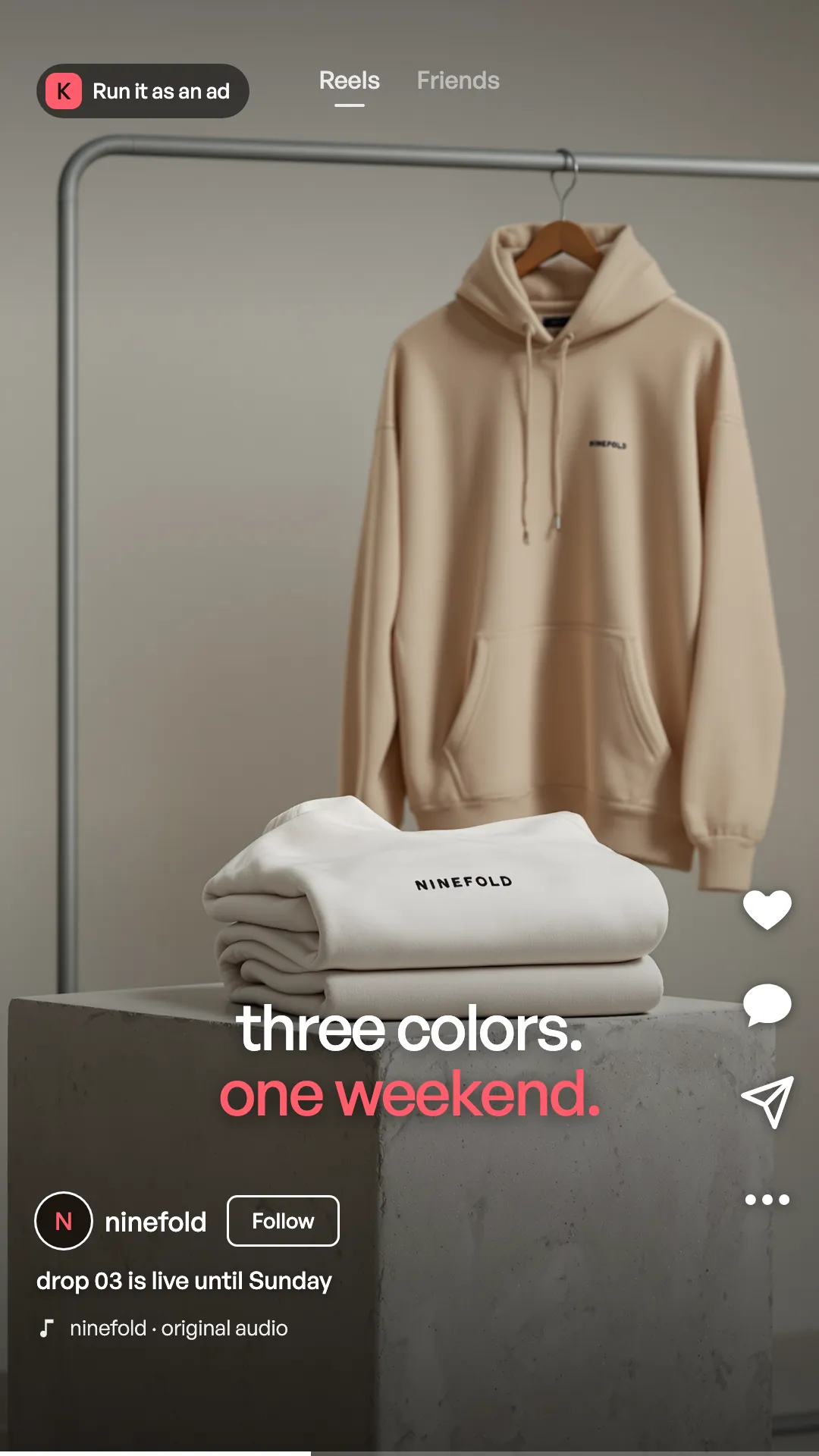
NinefoldReel · 9:16 You asked forthe kettlebell rack in the morning light, on the line about 5:45
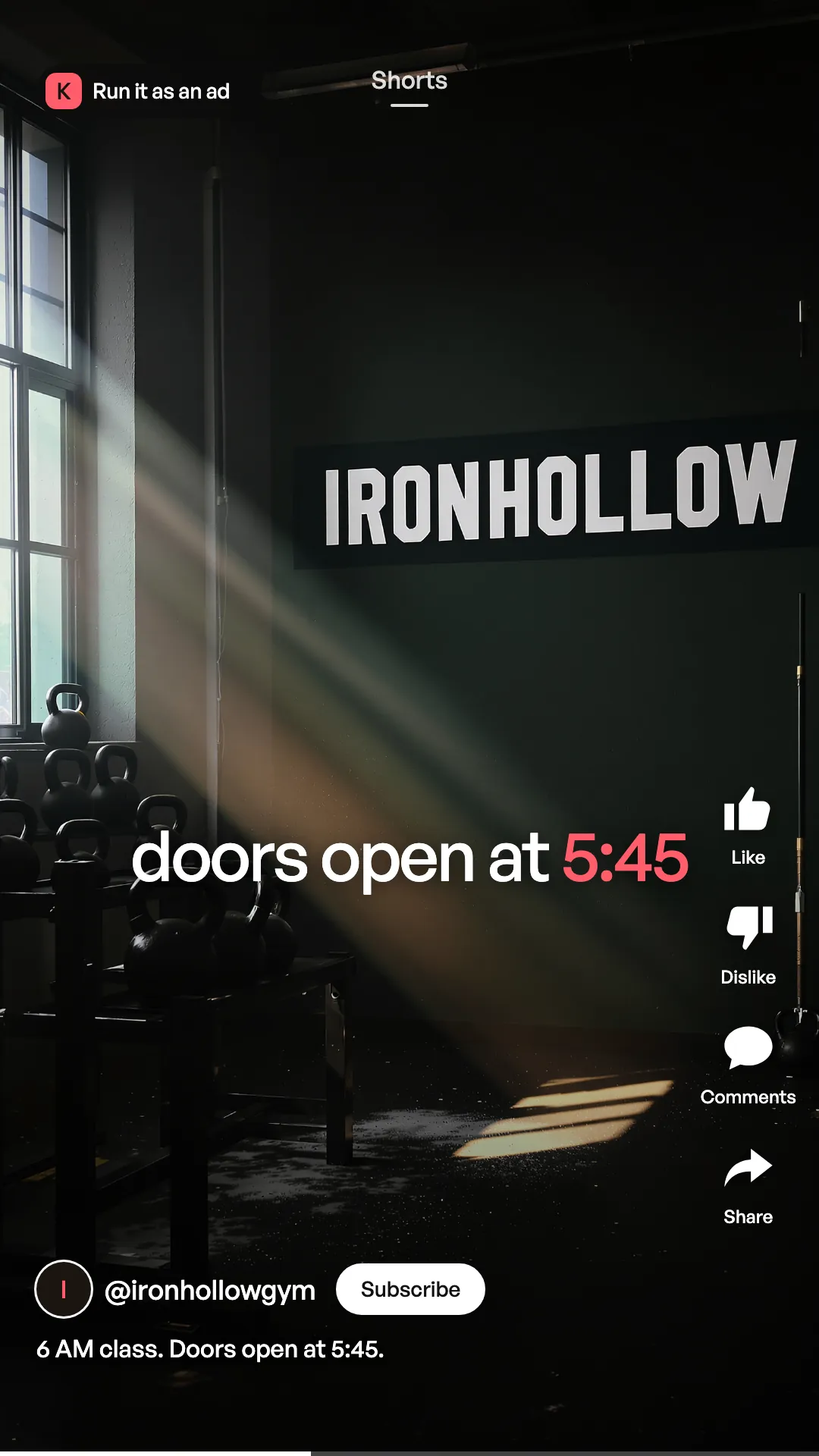
IronhollowShorts · 9:16
Example klips. The brands are made up, and the pictures and video are made with AI.
How it works
Five steps, and you say yes before anything is made.You say yes before anything is made.
- 01
Pick the spot
Choose a point on the clip's timeline, or make it the intro. The frame at that spot can go with your request, so the shot matches the clip.
- 02
Say what you want
Describe it in plain words or paste a full prompt. Both go in the same box.
- 03
Check the reworded prompt
Klipstr rewrites your words in the format that engine expects and shows it to you. Say Yes, make it, edit it, or use yours as written.
- 04
Pick an engine and see the price
Two video engines sit side by side, each with its price for this shot. Nothing is made or charged until you say yes.
- 05
It lands on your timeline
The shot drops onto the clip as its own piece that you can move, trim or remove.
Charged from a walletIn build
AI visuals come out of a wallet balance, one shot at a time, with no subscription needed for them. If the balance is empty, Klipstr asks you to load it before anything is made.Shots come out of a wallet balance, one at a time, no subscription.
Planned like a short videoIn build
We plan each shot the way a short video is built: the hook in the first seconds, then the body, the payoff and the call to action. That plan shapes what we ask the engine for.Each shot is planned like a short video: hook, body, payoff, call to action.
From your own AIIn build
Your own AI writes the prompt from what you said, and the chat shows the same check, engine and price before anything is charged.Your AI writes the prompt and shows the same check and price first.
AI visuals are in build. Engines and prices are shown in the app before you pay. You are responsible for having the rights to the clip you add a shot to.
Get on the early access list.
Leave your email and we'll write when Klipstr opens.